TryHackMe — Snort Challenge - Live Attacks

Where the previous Snort rooms used PCAP files, this one is different: the traffic is live. The task is to write a Snort rule, run it in IPS mode against traffic that’s actively hitting the machine, and get Snort to drop the right packets. When it works, a flag.txt appears on the desktop.
This is the first time I’ve used Snort against live traffic instead of a saved capture.
| Field | Details |
|---|---|
| Platform | TryHackMe |
| Room/Machine | Snort Challenge - Live Attacks |
| Difficulty | Medium |
| Tags | snort, ips, live-traffic, ssh, reverse-shell, rule-writing |
Task 2 — Brute Force / SSH
Analysing the Traffic
1
sudo snort -X -n 100 -A console
One IP address kept showing up repeatedly: 10.10.245.36. All connections going to 10.10.140.29:22 — port 22 is SSH. The payload confirmed it:
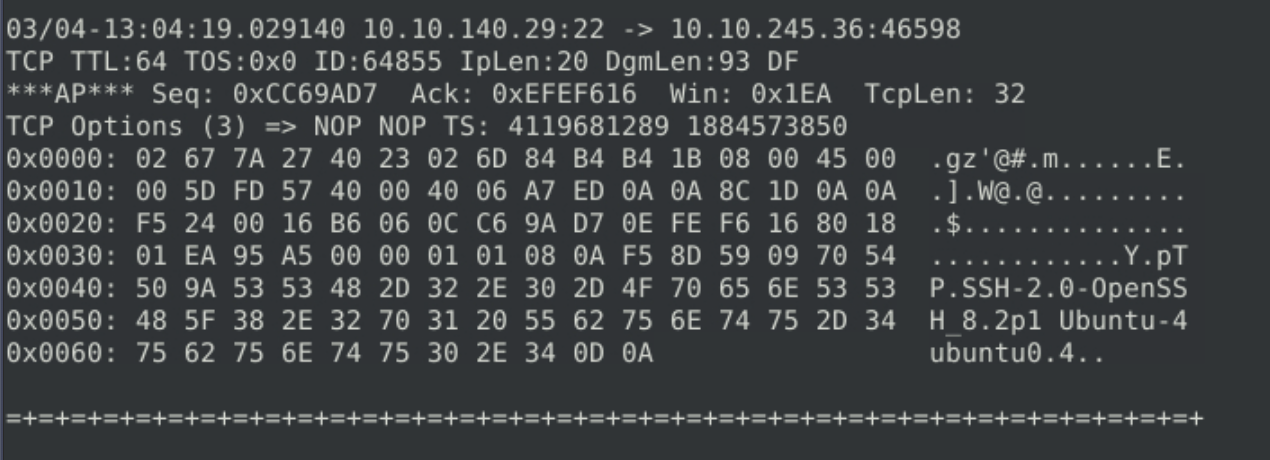
SSH-2.0-OpenSSH_8.2p1 Ubuntu visible directly in the payload. One IP repeatedly hitting port 22 from many ephemeral ports — brute force pattern.
Writing the Rule
Using drop instead of alert — IPS mode means packets should actually be blocked.
1
drop tcp 10.10.245.36 any -> any any (msg:"Attacker IP dropped."; sid:1000001; rev:1;)

Running in IPS Mode
1
sudo snort -c ./local.rules -v -n 15000 -X -A full
-n 15000 was intentional — without a packet limit, the VM locked up completely on the first attempt. Setting a limit meant Snort would stop on its own after processing enough traffic.
1
sudo snort -r snort.log.xxxxxxxx -X -n 20
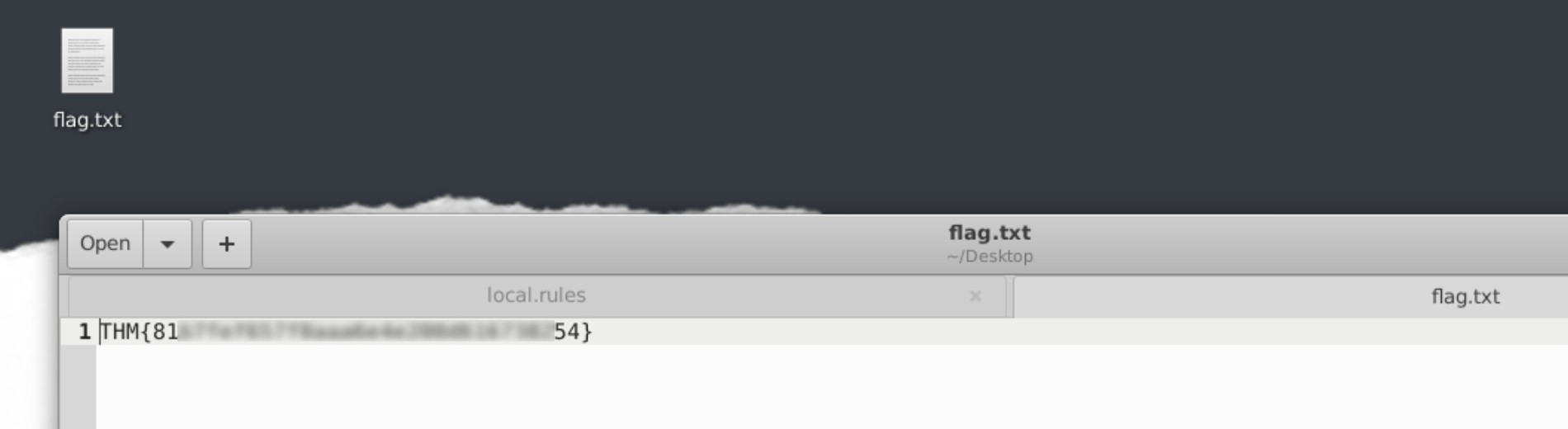
Flag: THM{[redacted]}
Protocol: TCP, port: 22, service: SSH.
A Wrong Turn First
Before identifying 10.10.245.36, I had first blocked a different IP sending short requests over port 80. A flag still appeared — which confused me, because I couldn’t answer the follow-up questions correctly. After a VM restart and closer look at the traffic, the SSH pattern became obvious. The flag appearing isn’t necessarily confirmation that the right threat was identified.
I also didn’t use the proper inline IPS command from the Snort walkthrough room:
1
sudo snort -c local.rules -Q --daq afpacket -i eth0:eth1 -A full
My command worked, but I’ll need to revisit the difference at some point.
Task 3 — Reverse Shell
Analysing the Traffic
1
sudo snort -X -n 100 -A console
Traffic going to port 4444 immediately stood out — the default port for Metasploit’s Meterpreter. Source IP: 10.10.196.55. The payload showed a bash prompt:
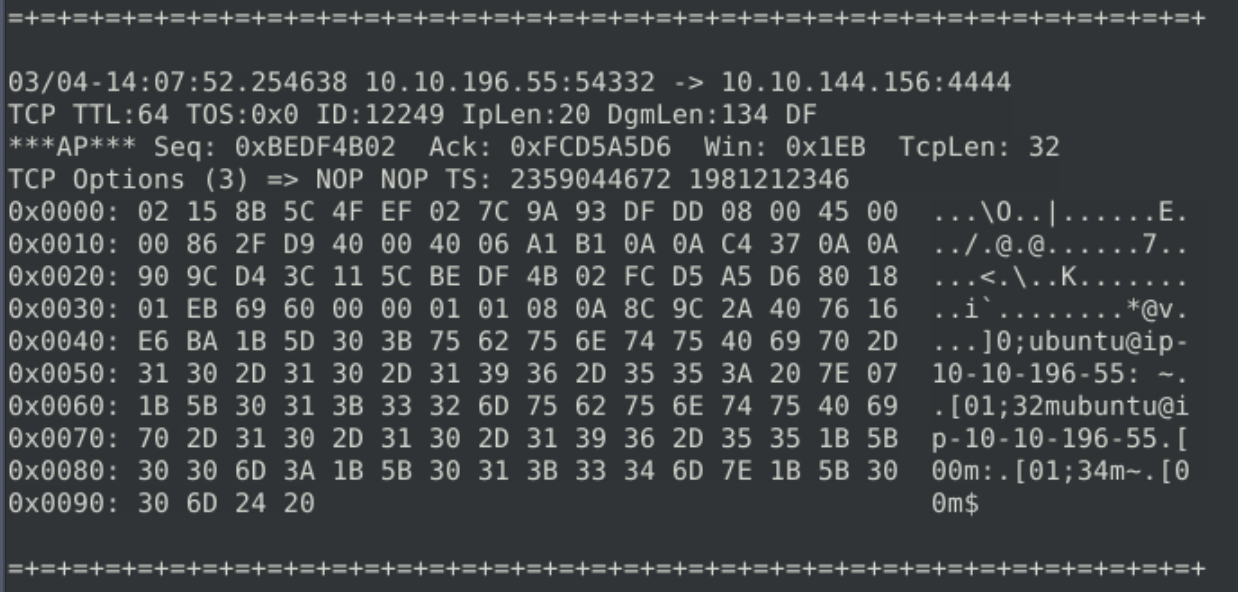
ubuntu@ip-10-10-196-55:~$ — a bash prompt sent over the network. That’s what a reverse shell session looks like in raw traffic.
Writing the Rule
1
drop tcp any any -> any 4444 (msg:"Blocked outbound port 4444."; sid:1000001; rev:1;)
Running Against Live Traffic
1
sudo snort -c ./local.rules -X -n 2000 -A full -K ASCII -l .
-K ASCII writes logs in plaintext instead of binary — readable directly without snort -r. Useful while I’m not yet comfortable with BPF filter syntax for log inspection.
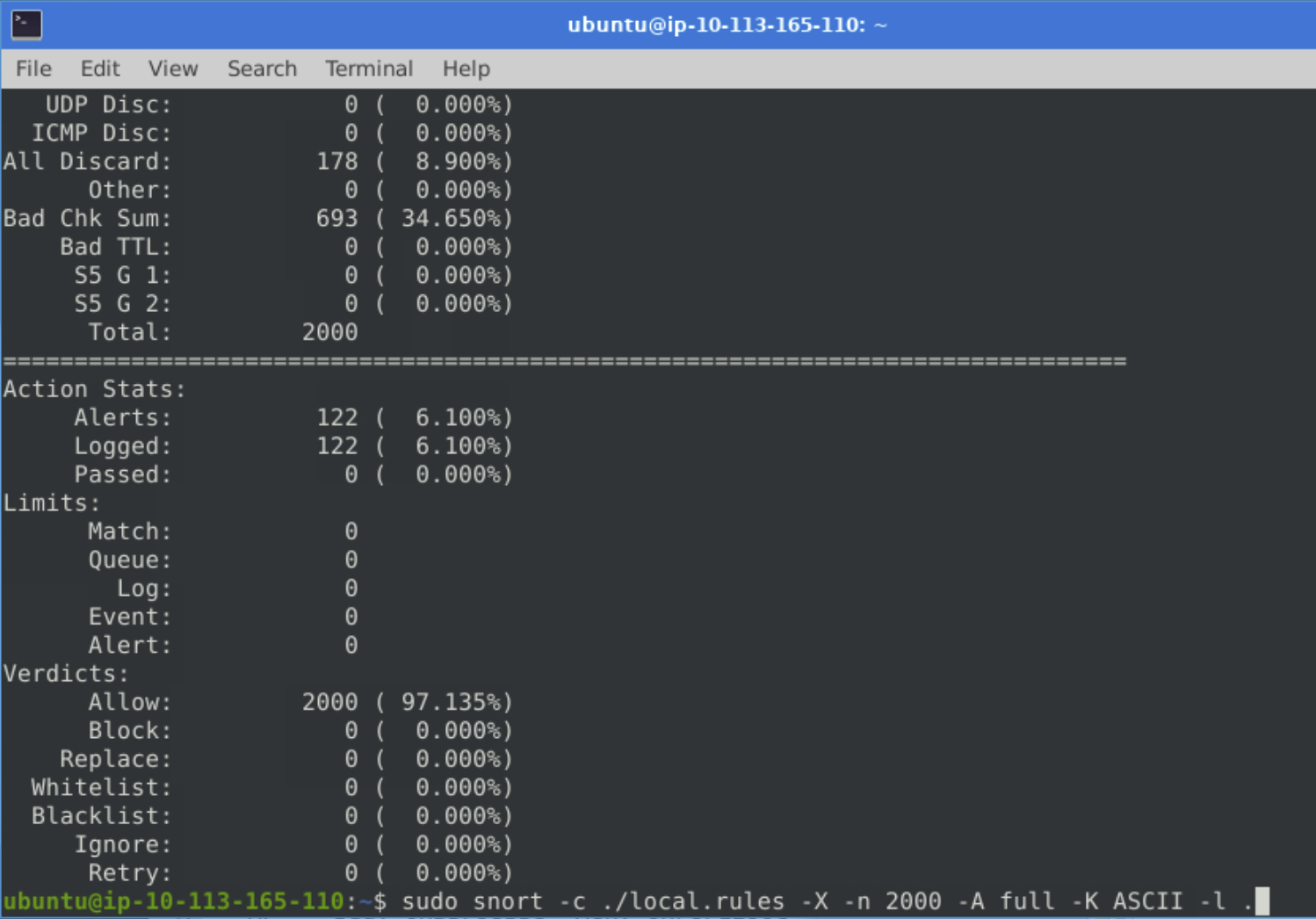
122 alerts out of 2000 packets.
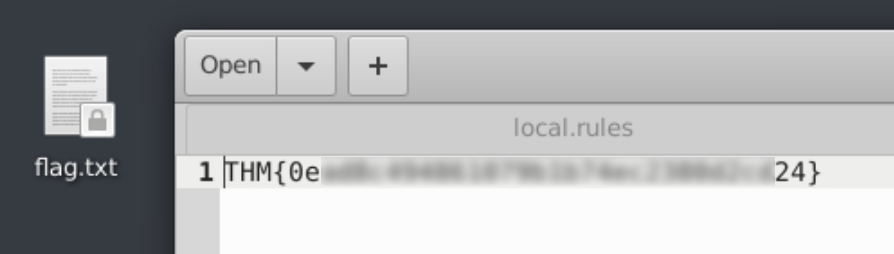
Flag: THM{[redacted]}
Protocol: TCP, port: 4444, tool: Metasploit.
Tools Used
| Tool | Purpose |
|---|---|
| Snort | Traffic analysis, IPS mode — live packet inspection and blocking |
Lessons Learned
Look at the traffic before writing rules. Running Snort in sniffer mode first made the suspicious IPs obvious within seconds.
Set a packet limit when running IPS mode on live traffic. Without -n, Snort runs until interrupted. In a VM that’s also the analysis environment, that can lock everything up.
Port 4444 in the payload means something specific. Seeing a bash prompt inside packets going to that port makes it immediately clear — the machine is sending a remote attacker interactive shell access.
Plaintext logs are easier to read, but not the only option. -K ASCII made log verification quick. Binary logs with snort -r and BPF filters are probably equally effective once I’m comfortable with the syntax.
Wrong answers can still trigger the flag. The flag appearing isn’t confirmation that the right threat was identified.
Defensive Takeaways
This room shows two attacks in progress against a live machine: an SSH brute force and an active reverse shell session. Both are detectable with Snort, but detection alone doesn’t stop them — the more interesting question is what would have prevented them in the first place.
SSH brute force: key-based authentication removes the attack surface entirely. The brute force works because the target accepts password-based SSH logins. With key-based authentication enabled and password authentication disabled in sshd_config, every attempt in the wordlist returns a rejection regardless of what password is tried — there is no credential to guess. This is one of the most impactful single-step hardening measures for any internet-facing SSH service.
Rate limiting and fail2ban as a second layer. If password authentication must remain enabled for operational reasons, rate limiting login attempts significantly raises the cost of brute force. Tools like fail2ban automatically ban source IPs after a configurable number of failed attempts. In the room, Hydra ran through thousands of candidates in seconds; a lockout after five failures would have stopped the attack before it found the password.
Restrict SSH access by source IP where possible. The attacker came from a specific IP. In environments where the set of legitimate SSH clients is known — a bastion host, a specific office network, a VPN range — firewall rules that allowlist those sources and drop everything else make brute force from unknown IPs impossible by design. This doesn’t replace key-based auth but adds another layer.
Reverse shell on port 4444: egress filtering stops the callback. A reverse shell works by having the compromised machine initiate a connection outbound to the attacker. If outbound traffic is filtered at the firewall — particularly to non-standard ports like 4444 — the connection never completes. Strict egress policies that allow only necessary outbound traffic (HTTP/HTTPS, DNS, and whatever the application specifically needs) would have blocked the Meterpreter callback even after the payload was executed.
Snort in IPS mode is a detection-and-block layer, not a substitute for hardening. Dropping packets from a known attacker IP is reactive — it works after the attack has already been identified. The goal in a real environment is to combine IPS rules with the preventive measures above, so that the attack either never starts or is contained quickly if it does.
References
- Snort Room (TryHackMe) — Basics, rule structure, operating modes
- Snort Challenge - The Basics (TryHackMe)
- TryHackMe Room